
Set your #1 KPI
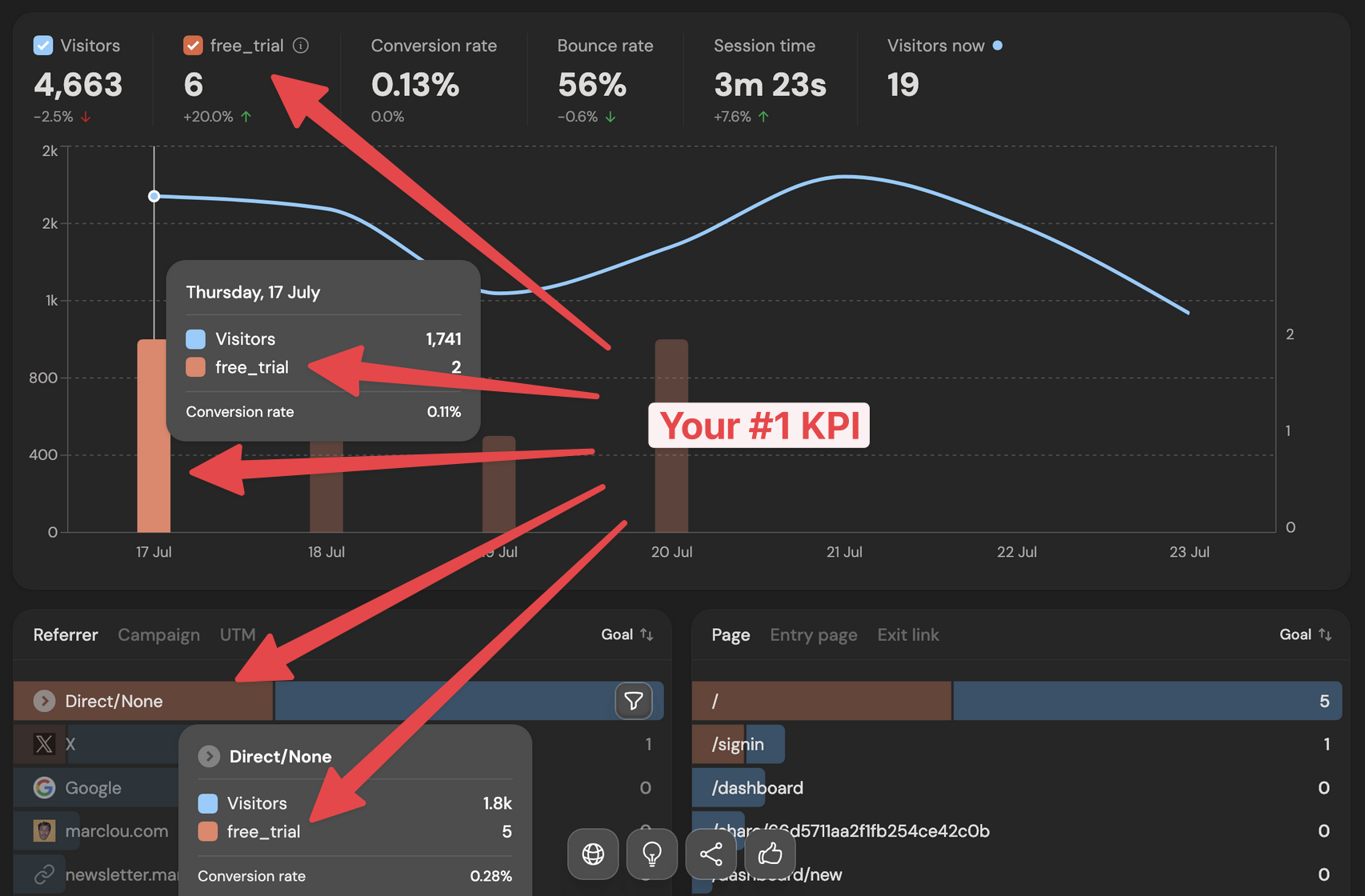
Your #1 KPI is the metric DataFast highlights across your dashboard. Use it when revenue is not the best answer yet.
When to use it
For SaaS and small startups, your best KPI is often one step before revenue:
signupfor a waitlist, free tool, or new SaaS launchinitiate_checkoutfor a paid product before many purchases happentrial_startedfor a self-serve SaaS with free trialsactivationfor a product where the first real action matters, like creating a project or inviting a teammate
How it works
- Track the action as a custom goal.
- Go to your website settings and open #1 KPI.
- Choose Goal, pick your KPI, and save.
- Confirm the change in the modal.
DataFast then shows that goal as the main KPI in your dashboard. The source, page, location, and device cards can show attribution for this KPI instead of revenue, so you can answer questions like:
- Which channel brings the most signups?
- Which landing page drives checkout starts?
- Which country sends users who activate?
You can also set a goal as your #1 KPI from the goals card in the dashboard, then change it later in website settings.
Example
If you run a small AI SaaS, set
signup as your #1 KPI until you have enough paid customers. Once checkout volume grows, switch to initiate_checkout or trial_started to see which campaigns and pages bring higher-intent users.