Revenue per visitor (RPV) is total revenue divided by unique visitors. It's the great equalizer: it lets you compare a tiny newsletter to a giant SEO page on the same scale, how much money each visit is actually worth.
Why this matters
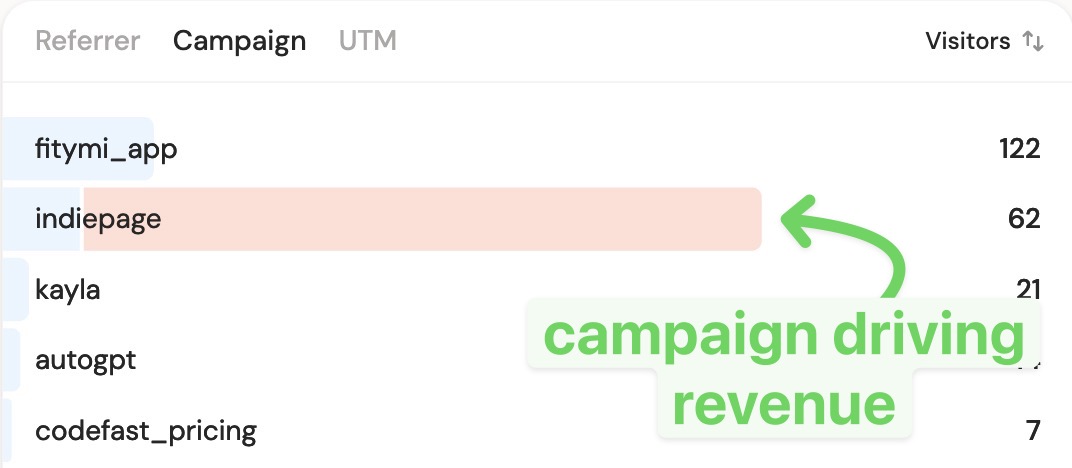
Two channels can look identical on traffic and wildly different on money. RPV exposes that gap instantly. It's the fastest way to spot a winning page, a high-intent country, or a campaign worth scaling, and to catch a "popular" channel that doesn't pay.
Why most analytics tools can't tell you
Privacy-first tools (Plausible, Fathom, Umami) report visitors but have no native concept of revenue. Google Analytics can compute it only after you've set up ecommerce tracking and the right reports. RPV is rarely a number you can just read.
How DataFast does it
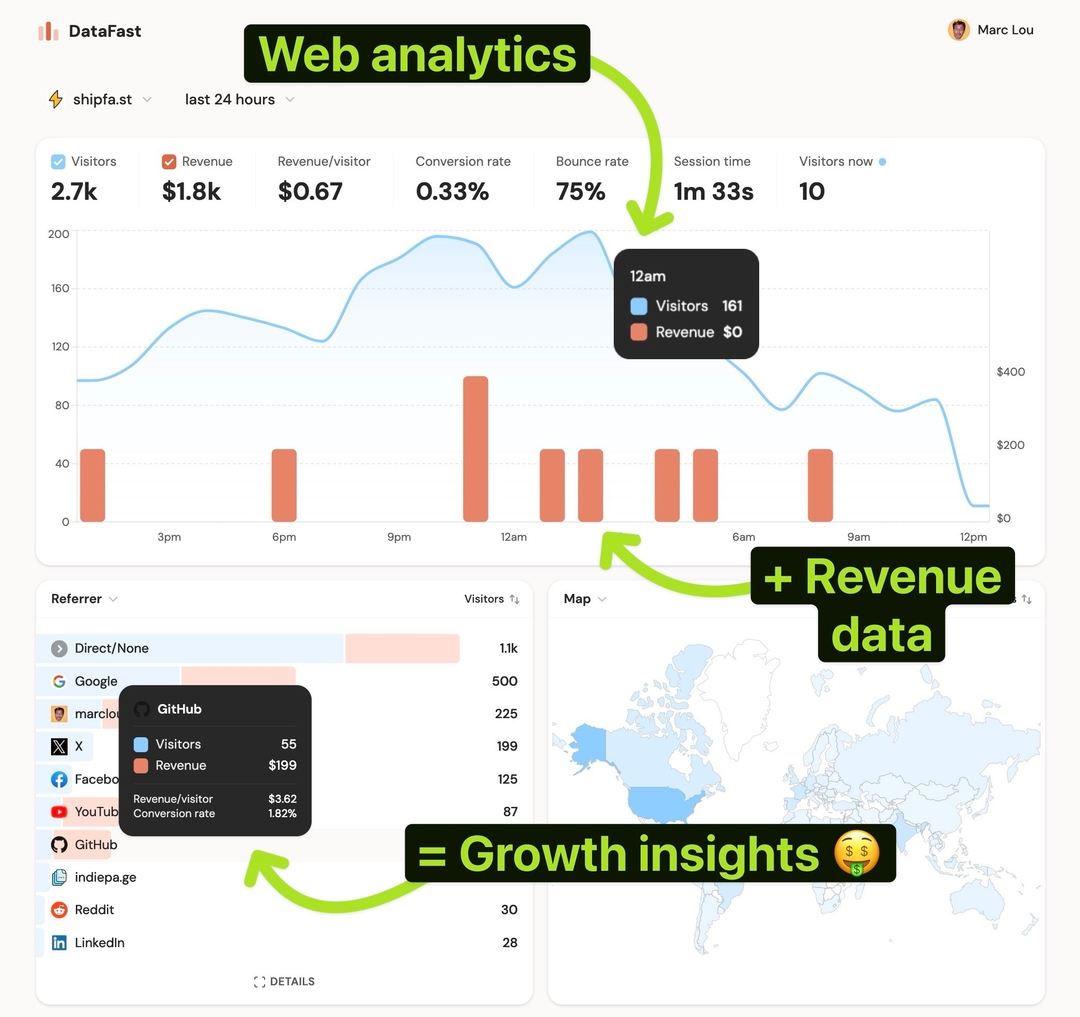
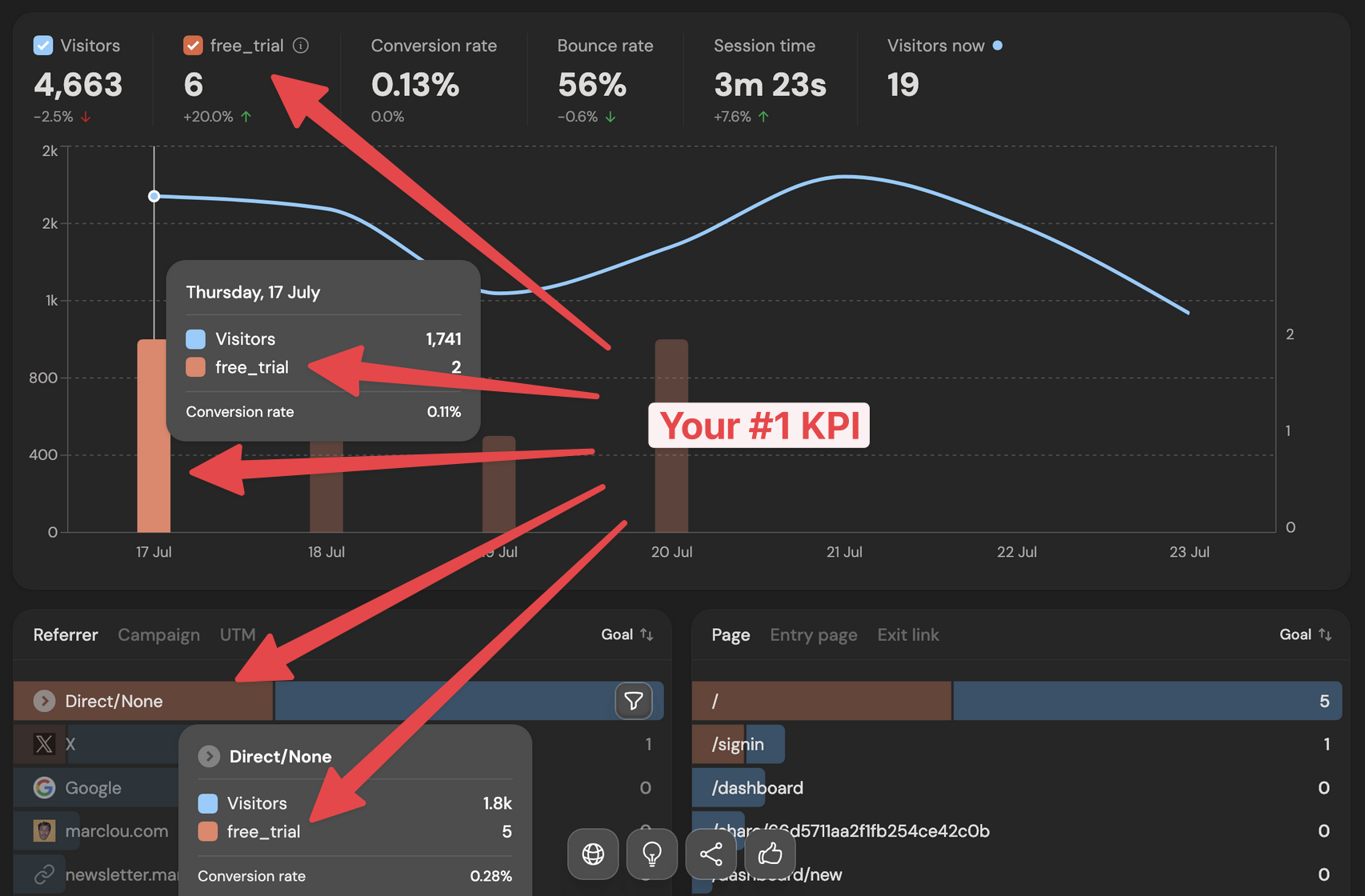
Connect a payment provider and DataFast shows a Revenue/visitor metric at the top of your dashboard, right next to Visitors, Revenue, and Conversion rate. It updates with any filter you apply.
How to read it
- Overall: open your dashboard, pick a date range, read Revenue/visitor (shown as MRR/visitor in MRR mode)
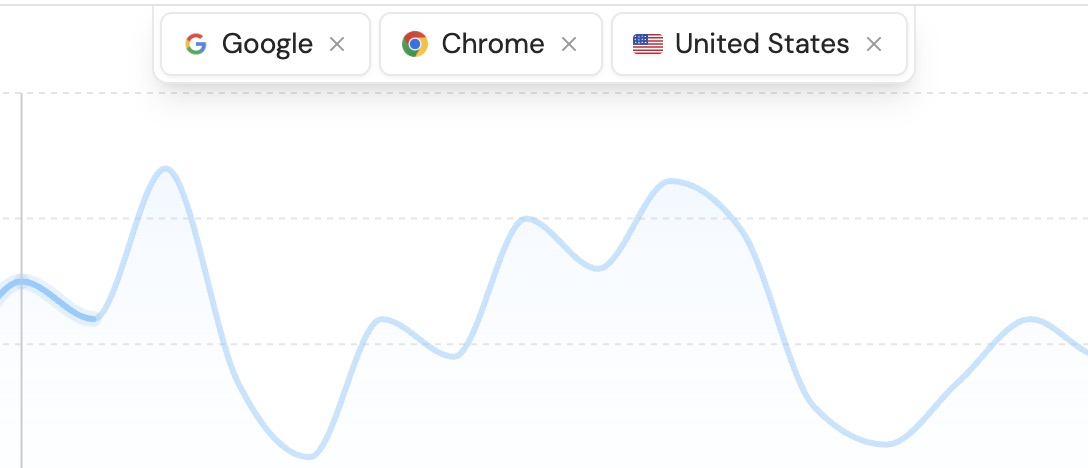
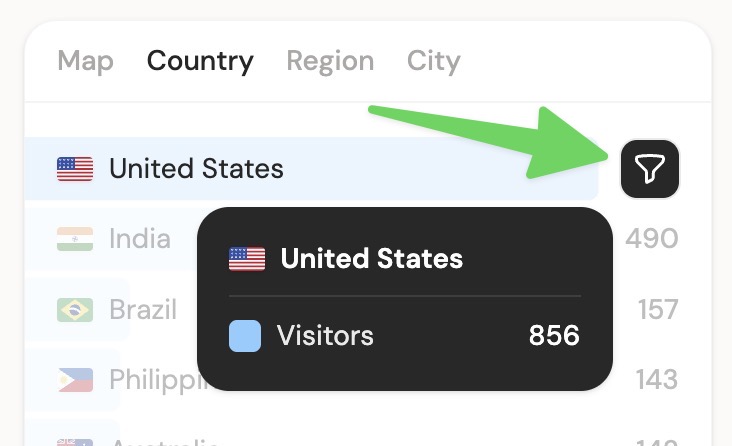
- Per segment: add a filter (source, page, country) and the number re-scopes instantly
- Over time: click the metric to open a trend chart with the previous period as a dashed line, so you can see RPV rise even when traffic is flat
- Via API:
GET /api/v1/analytics/overview?fields=revenue_per_visitor(docs)
Subscription business? Toggle Include renewal revenue in KPIs in Website Settings → Revenue to count recurring payments (changelog).