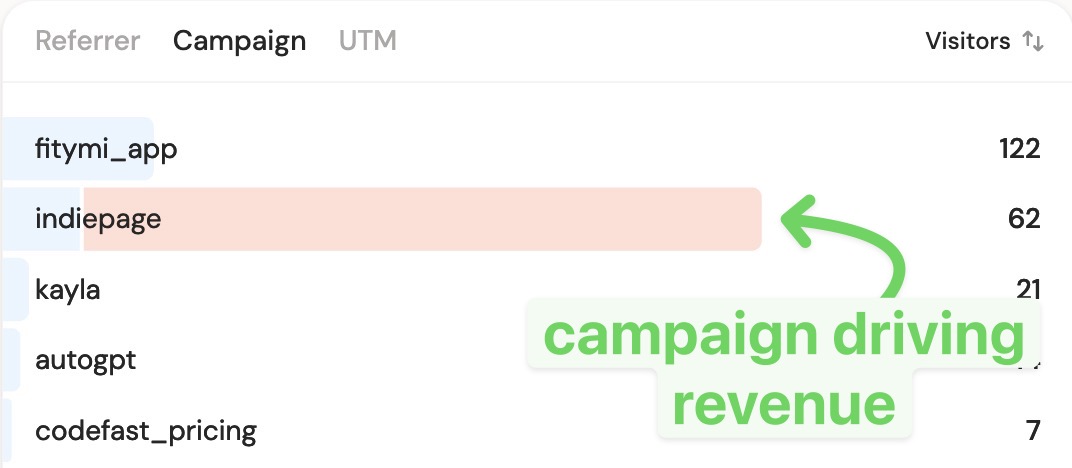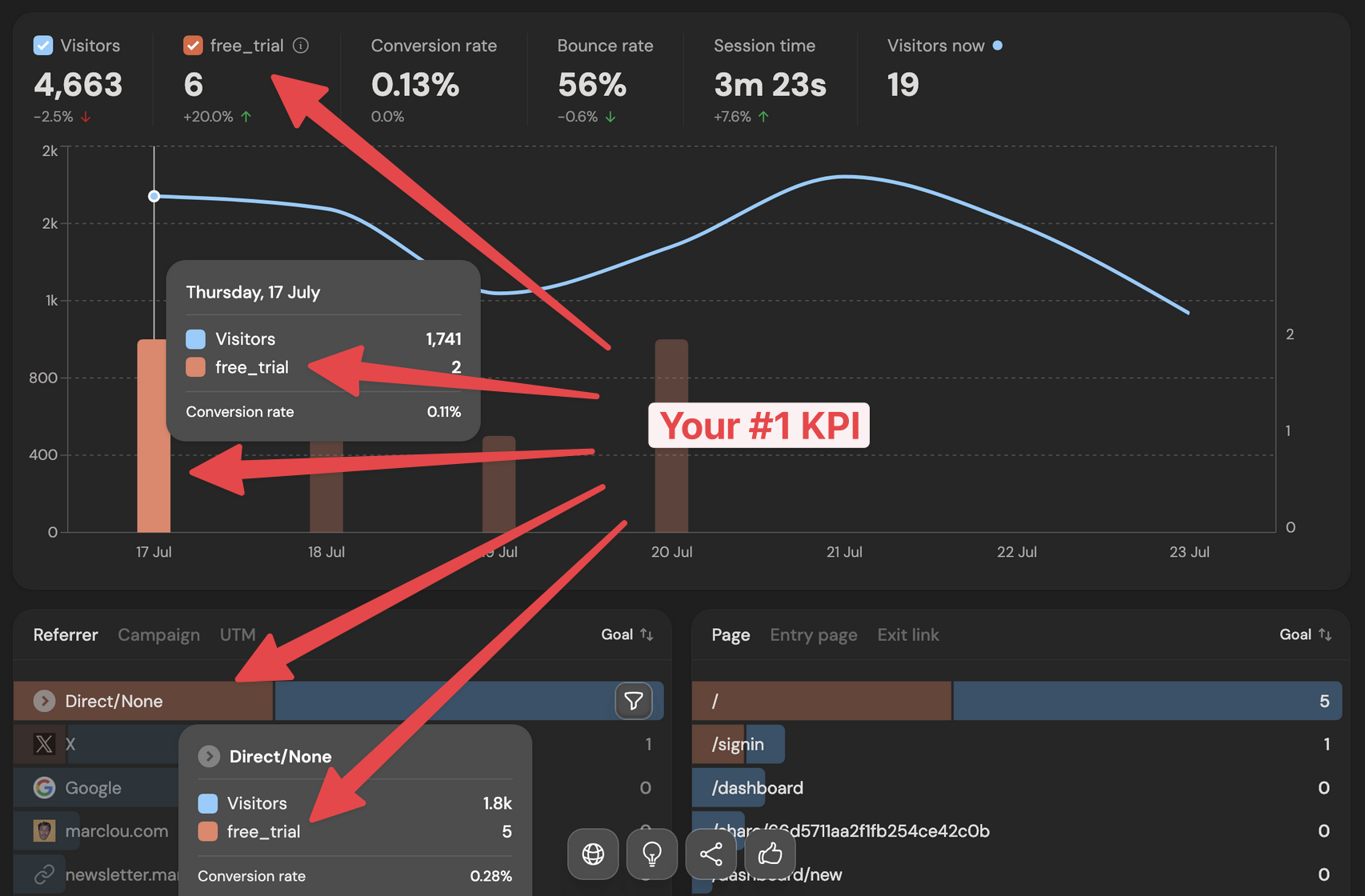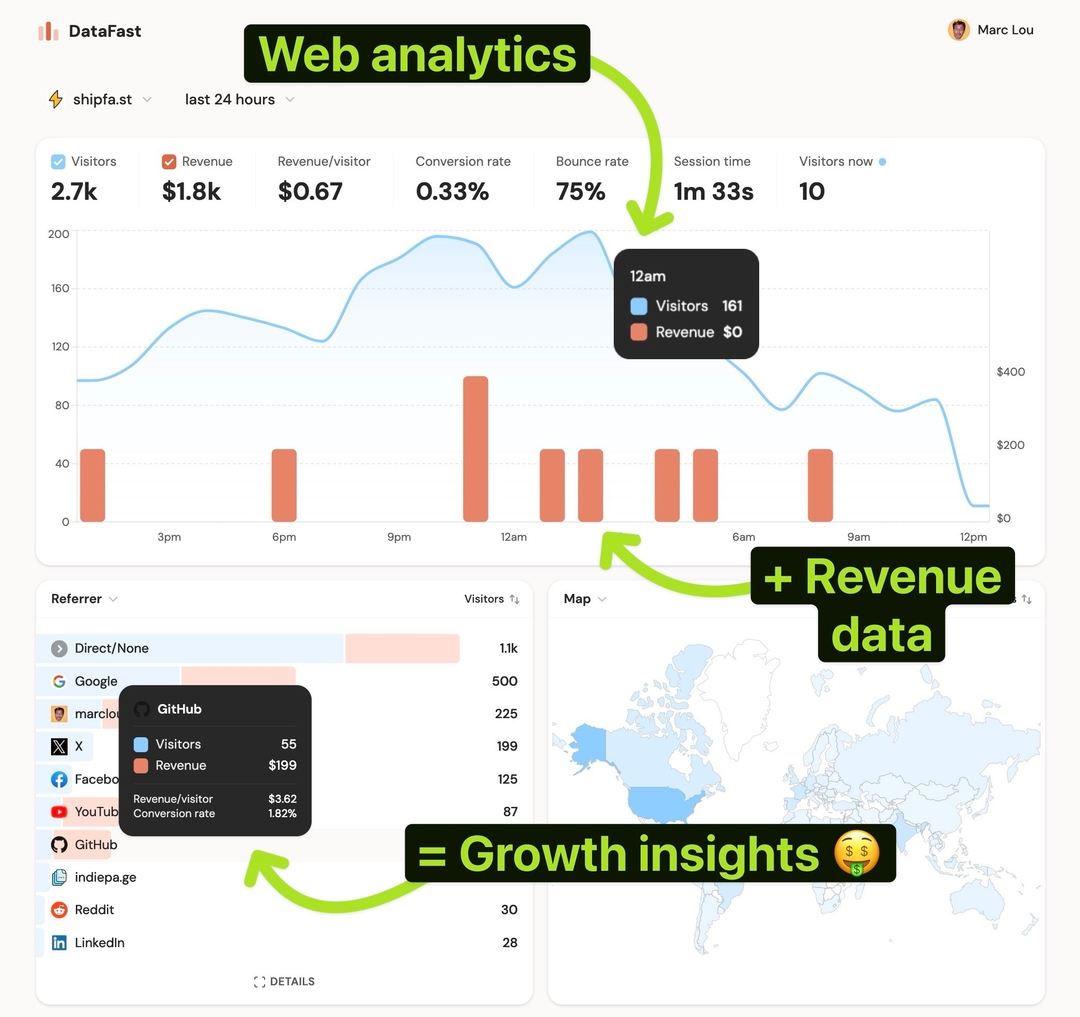
Not all pages are equal. Some quietly drive most of your sales; others get traffic and produce nothing. Knowing which is which tells you where to send traffic and what to improve.
Why this matters
Your landing pages, blog posts, and pricing page each play a role in revenue. If you can see revenue per page, you know which post to promote, which landing page to A/B test, and which "popular" page is a dead end. That's the difference between busywork and growth.
Why most analytics tools can't tell you
Standard analytics rank pages by pageviews and bounce rate. Revenue per page is rarely available without custom ecommerce attribution, and even then it's hard to credit the page that started a journey rather than the checkout page where the sale closed.
How DataFast does it
DataFast's Pages card shows visitors and attributed revenue per page. Because revenue follows the visitor's journey, a blog post gets credit for the sale it kicked off, not just the final step.
How to do it
- Connect your payment provider and set up revenue attribution
- Open your dashboard → Pages card
- Sort by revenue to find earners; compare revenue per visitor to judge quality, not just volume
- Want the path to purchase? Use the Journey tab to see what visitors did before buying (visitor journey)
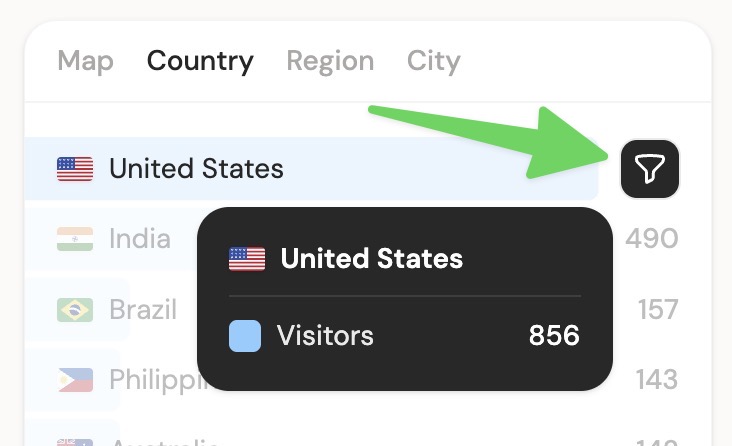
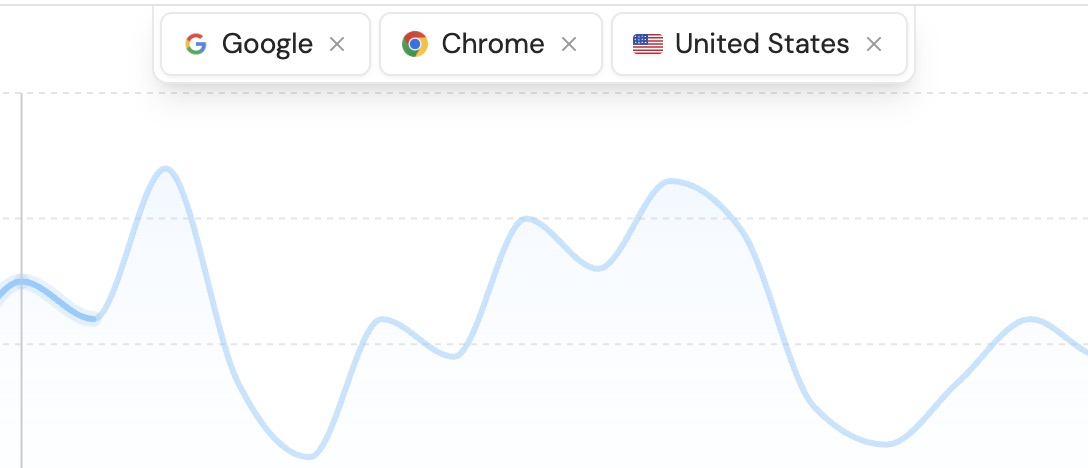
Filter the Pages card by a source or country to see which pages convert best for a specific audience.