Focus on one metric
You can now turn dashboard metrics into focused line charts.
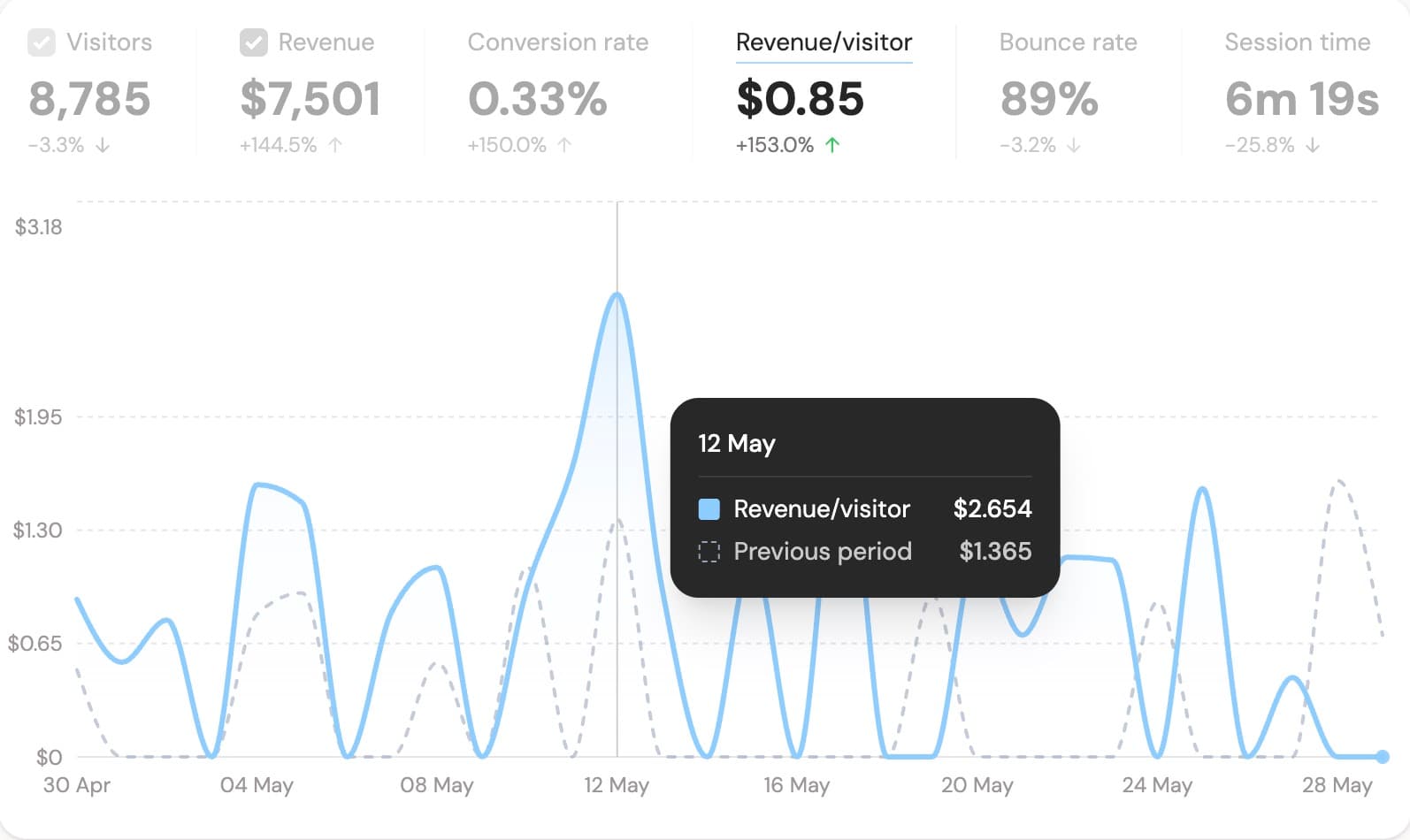
Click Conversion rate, Revenue/visitor, Bounce rate, or Session time in the main dashboard metrics row. The main chart switches to that metric over time, with the previous period shown as a dashed comparison line.
Click the selected metric again, or click Visitors / Revenue, to go back to the normal mixed chart.
This helps you answer questions like:
- Did conversion rate improve today compared to the previous period?
- Is revenue per visitor going up even when traffic is flat?
- Are bounce rate or session time changing over time?
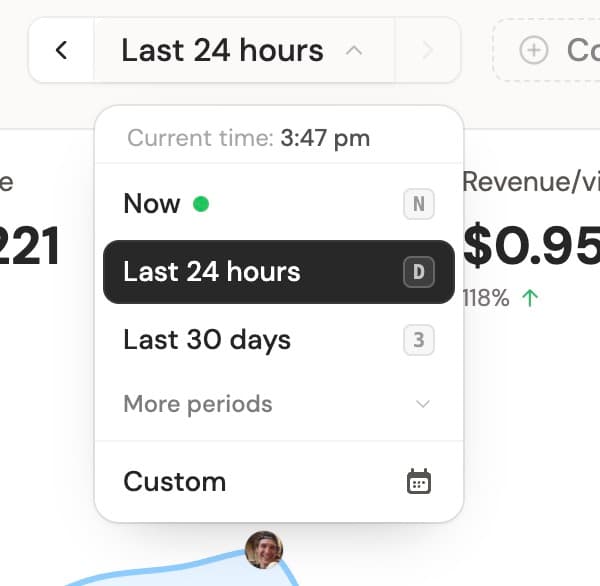
The chart uses the same selected period as the dashboard, so you can switch between today, last 7 days, last 30 days, or a custom range before opening a metric chart.
Something missing? Suggest features ✍️