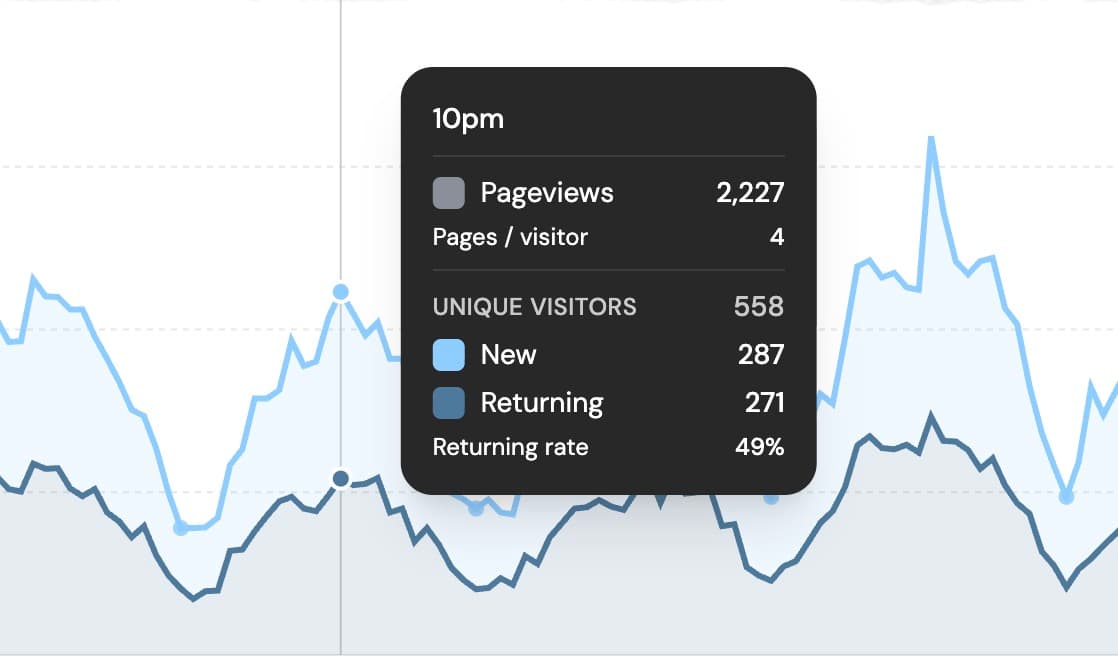
Better traffic charts
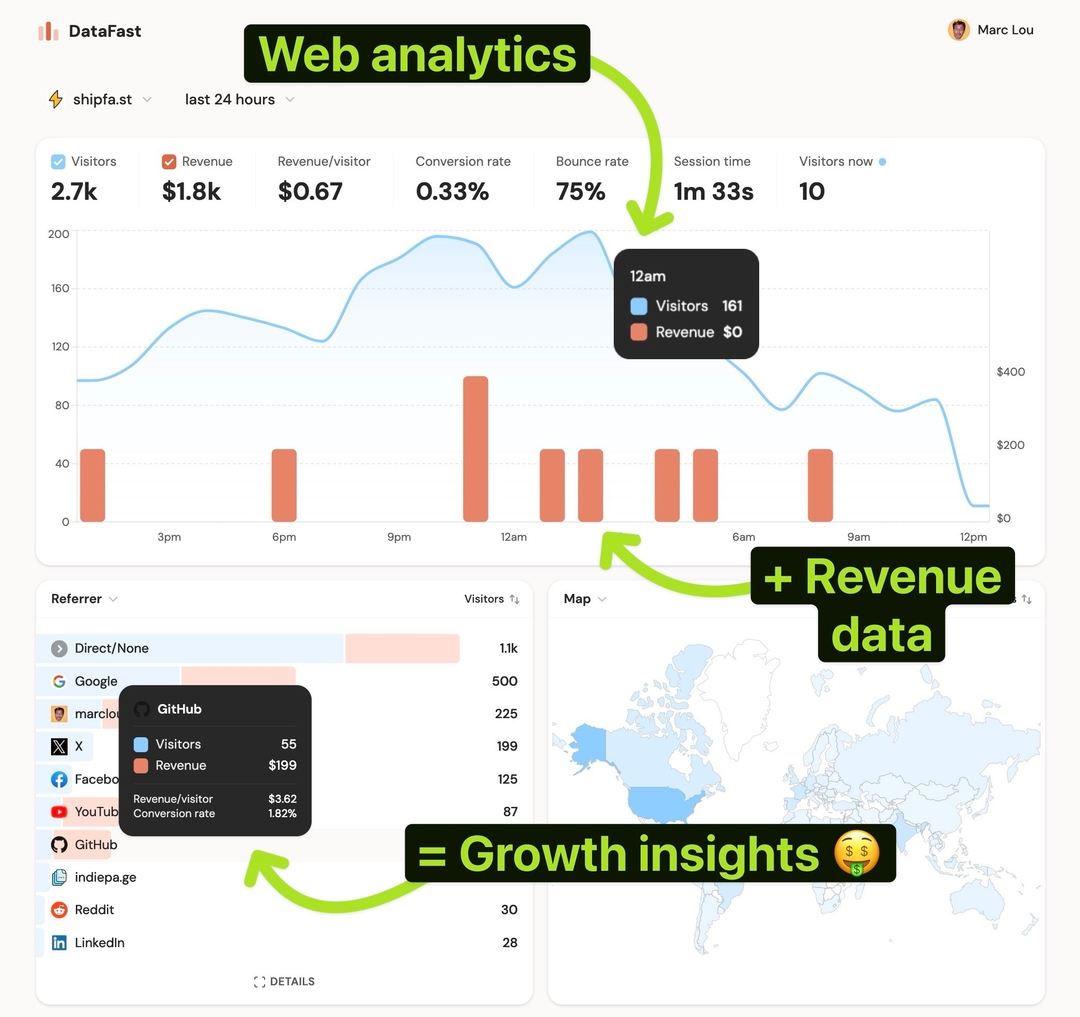
DataFast now gives you more ways to understand how people come back to your website, not just how many people visited once.
- Pageviews chart - see pageviews alongside your existing visitor and revenue trends.
- Pageviews heatmap - spot the days and hours when people browse the most.
- New vs returning visitors - separate first-time visitors from people who came back after a previous visit.
- Visit count filter - filter any analytics view by how many times a visitor has visited your site.
How to see new vs returning visitors 🧲
Open your dashboard and click the Visitors container at the top-left of the main chart.
The main chart will switch to a breakdown of new visitors and returning visitors, so you can quickly see whether your traffic is coming from fresh acquisition or repeat interest.
How to filter by number of visits 🔎
Open Filter, choose Visit count, then pick an operator like at least, is, is not, or at most.
For example, filter for visitors with at least 2 visits to focus on returning visitors. You can then compare pages, referrers, countries, devices, goals, and revenue for people who came back after their first session.
If you use DataFast from npm, update to the latest package: npm install datafast@latest