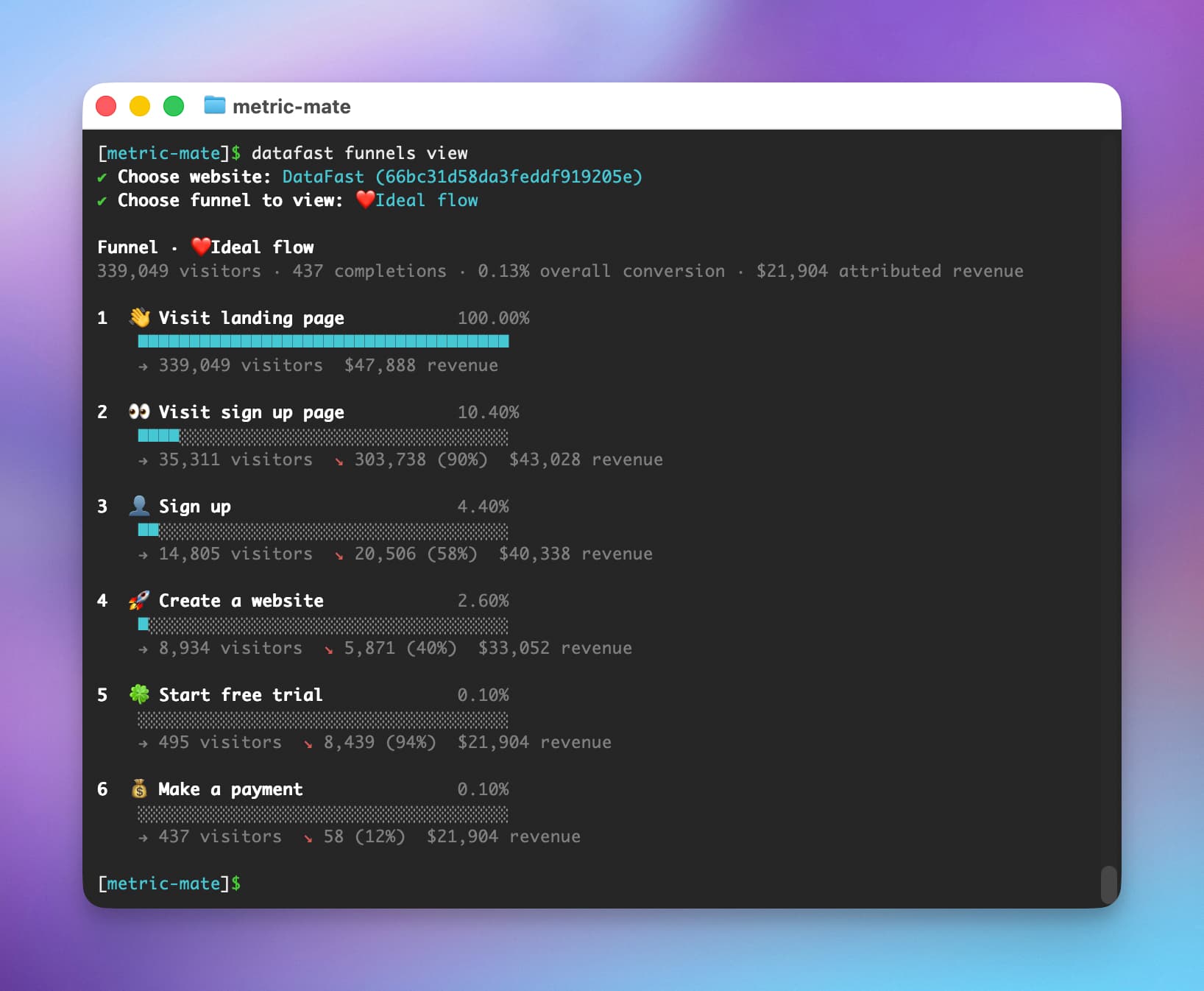
Funnel analytics in the CLI
You can now view your DataFast funnels from the CLI.
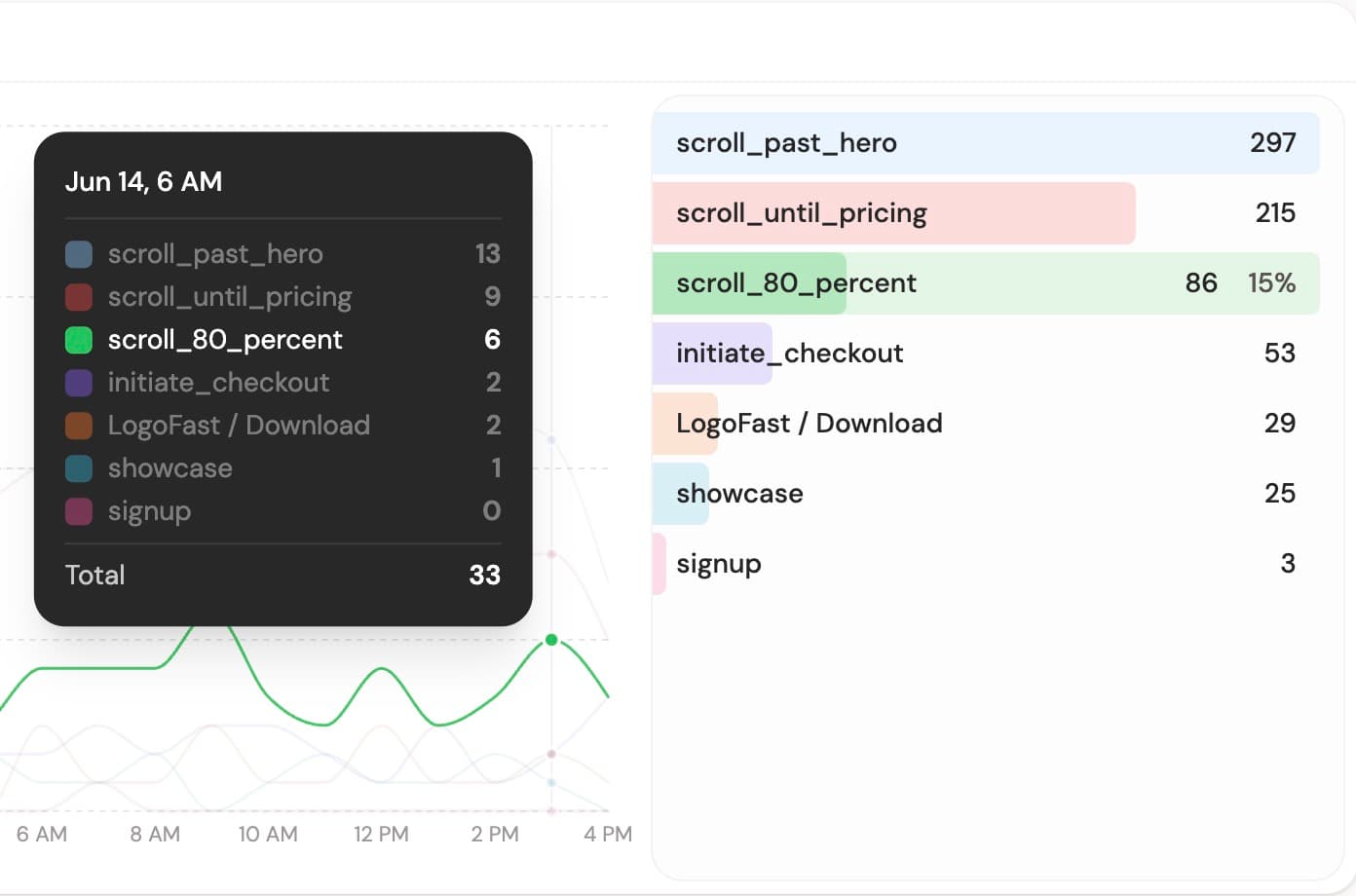
Run datafast funnels, choose a website, pick a funnel, and see each step with visitors, conversion, drop-off, and attributed revenue. The command supports the same periods and filters as analytics, so you can inspect a funnel by page, country, referrer, campaign, device, and more.
This is useful for 🤖 AI agents too. Instead of opening the dashboard, ask your agent:
Analyze my "Signup" funnel for the last 30 days.

Find the biggest drop-off, compare it by source and country, then suggest what to fix first.
The agent can list your funnels, open one, filter the data, fetch visitor profiles, and explain where people get stuck.
Read the funnels CLI docs.
Small dashboard update:
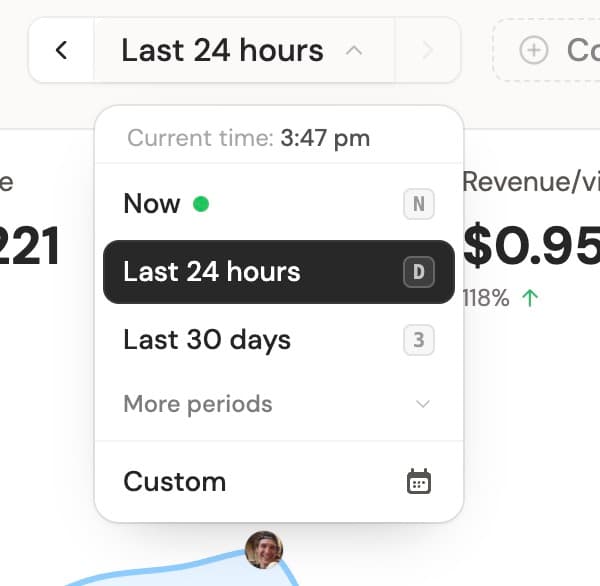
Website analytics now has period shortcuts too. Press T for today, Y for yesterday, D for last 24 hours, W for last 7 days, or 3 for last 30 days.
Something missing? Suggest features ✍️