Your analytics in the terminal
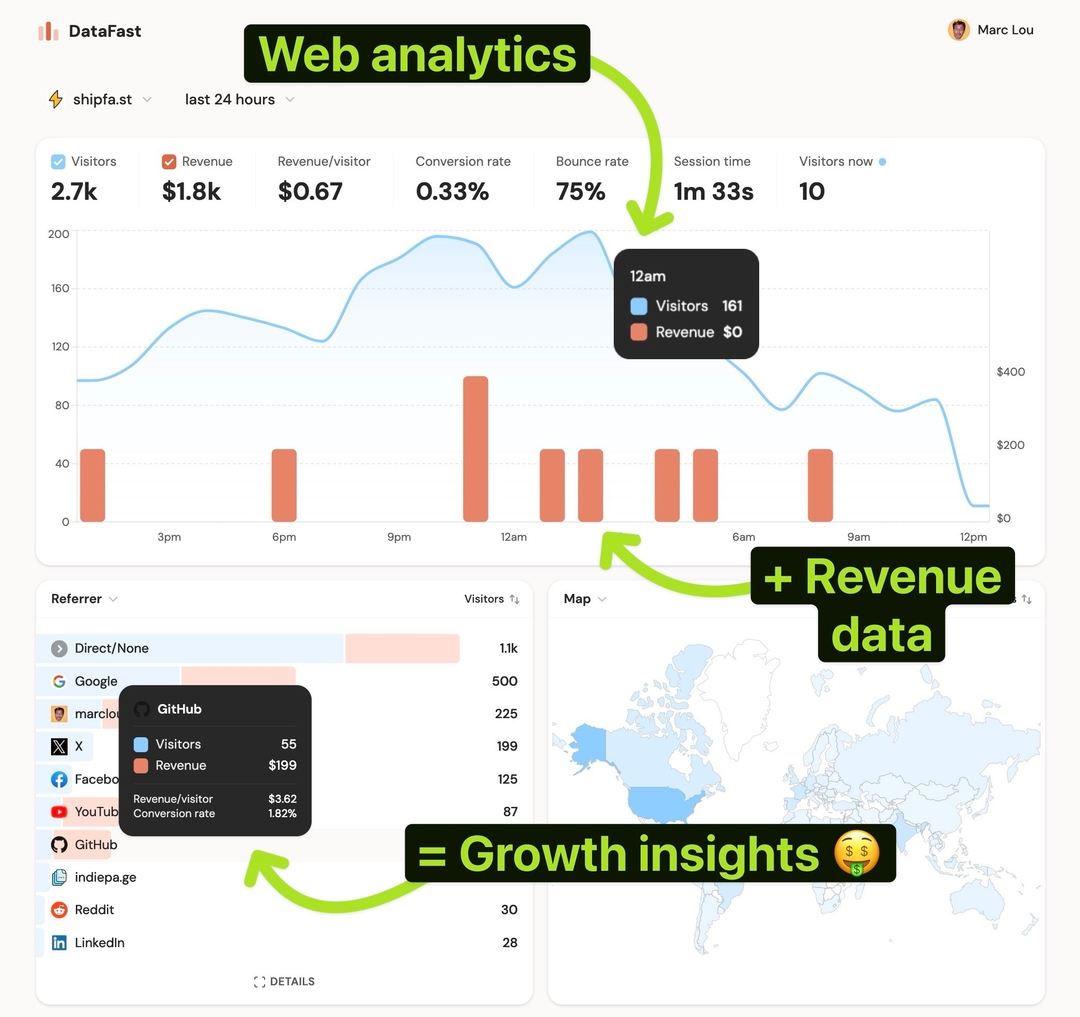
The DataFast CLI is now the fastest way to query your analytics, manage your account, and let AI agents 🤖 work with your data.
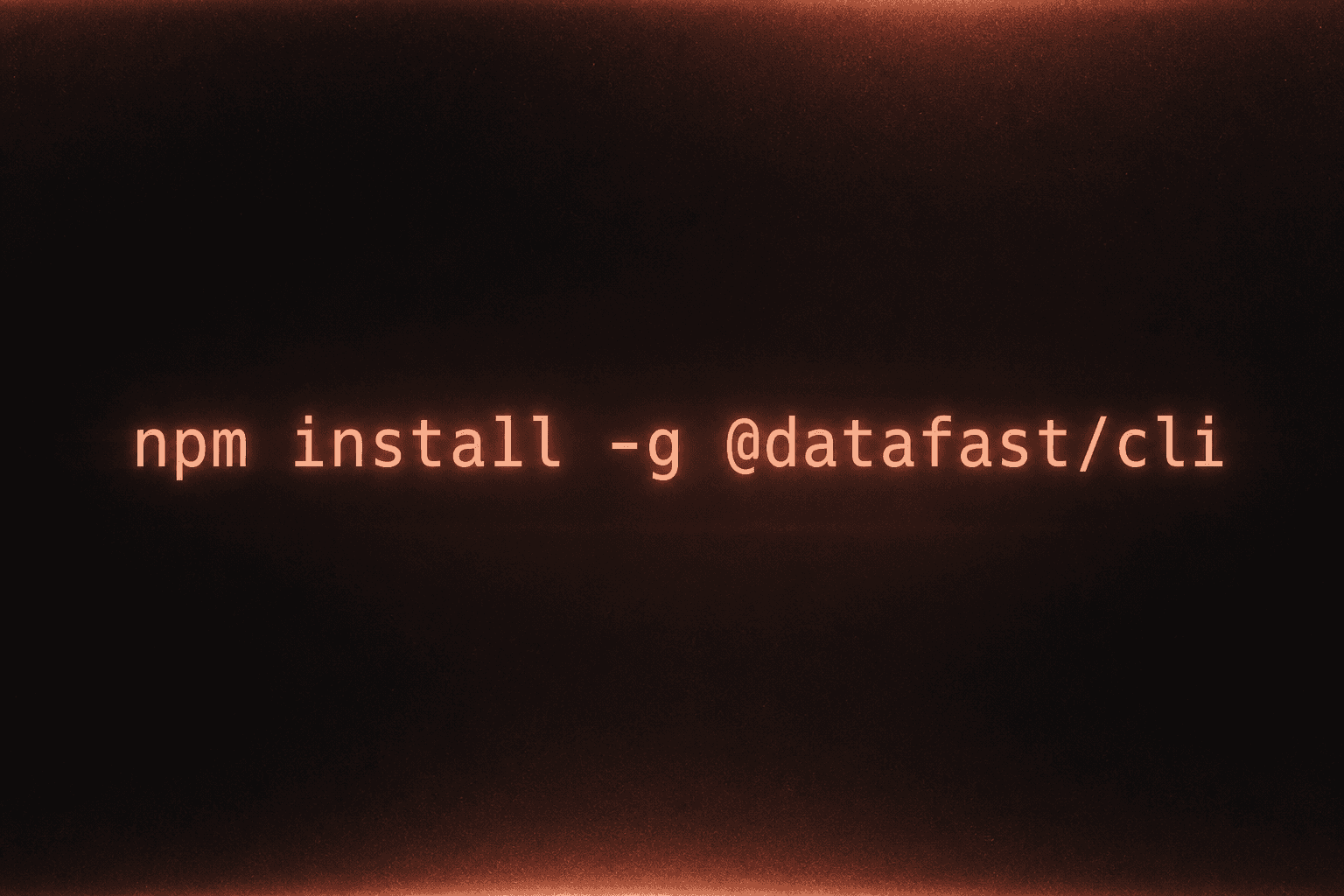
Install it with npm:
npm install -g @datafast/cli
Then log in with a dft_ account token:
datafast login
Read the full CLI guide or jump straight to analytics, visitors, websites, tokens, alerts, and funnels.
Dashboard filters, now in the CLI
Use the same filters as your dashboard to answer specific business questions:
# Visitors from the United States using iOS
datafast analytics overview --country "United States" --os iOS

# Docs pages ranked by visitors and attributed revenue
datafast analytics pages --filter page:contains=/docs --limit 25

# Mobile traffic from the United States, grouped by referrer
datafast analytics referrers --country "United States" --device mobile

# Revenue over time for docs traffic
datafast analytics timeseries --fields visitors,revenue --interval day \
  --filter page:contains=/docs
Visitor drilldowns
Find visitors by behavior, then inspect the full journey:
# People who read docs and signed up
datafast visitors list --visited-page-contains /docs --completed-goal signup

# People who churned today
datafast visitors list --completed-goal subscription_ended --period today

# Open one visitor profile
datafast visitors get <datafast_visitor_id>
visitors get returns visited pages, identity, Identify profile data, and a canonical completedGoals timeline. Goals include manual events tracked with the SDK/API and automatic payment-provider events like payment, free_trial, subscription_started, and subscription_ended.
Manage DataFast without opening the dashboard
# Websites
datafast websites list
datafast websites create --domain example.com --timezone America/New_York
datafast websites update <websiteId> --name "New name"

# Website API keys
datafast websites apikeys create <websiteId> --name "Reporting key"

# Access tokens
datafast tokens create --name "Read only" --permissions "analytics:read,websites:read"

# Alerts and funnels
datafast alerts create <websiteId> --name "New sale" --goal payment
datafast funnels create <websiteId>
Use --json to pipe results into jq, scripts, or AI agents:
datafast --json analytics referrers --period last30d | jq '.[] | {referrer, visitors, revenue}'
This makes your DataFast data easier to automate, inspect, and combine across queries.